Restyle YouPhoto in One Click
Trending styles. Made yours.

from 999+ happy users

Trending styles. Made yours.
from 999+ happy users

Explore photo trends, creative ideas and guides to making them your own.

Find a look you love without figuring out the prompt. YouPhoto brings creative photo styles and internet-inspired trends into one library.
A style-first way to create with AI: discover a look, add your photo, and generate your own version.


Pick a trend. Add your photo. Make it yours.
Photo restyles, video effects and fresh trends—all starting with your photo.
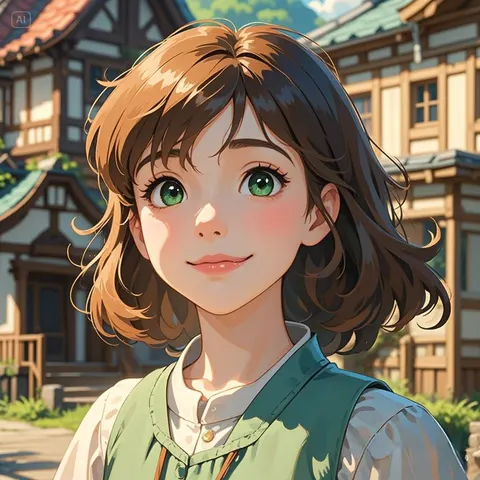
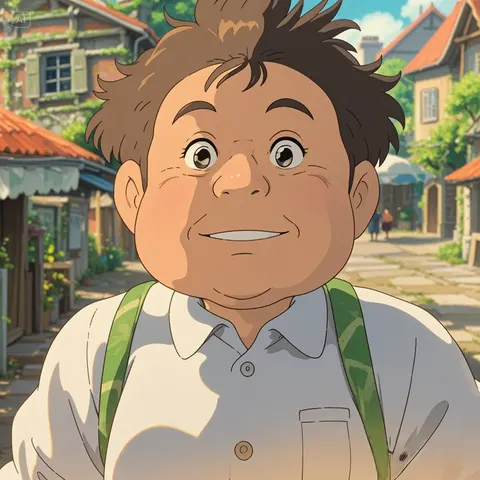
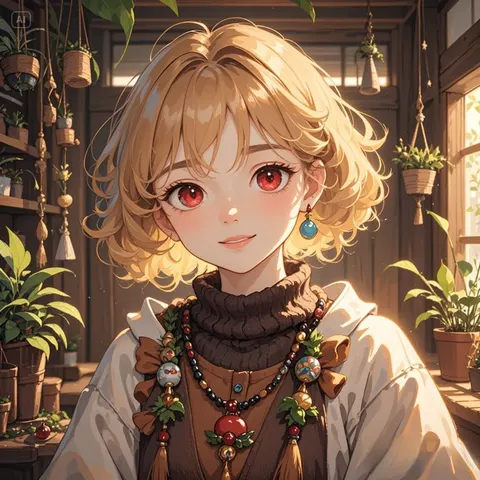
Try anime, toy figures, retro looks and more. Turn a familiar photo into a whole new style.
Explore motion and playful video transformations as video templates join the library. Check each template for its output type.
Find meme-inspired styles, popular aesthetics and creative trends collected in one place.
New styles can join the library as soon as they are ready. No app update, model setup or complex prompt needed.
Reimagine yourself, your friends or your pets. Try a new look, make a meme, or just see what happens.
Download your favorite image or video, share your creation, and come back for your next transformation.
A playful world of photo restyles, image and video effects, and new trends to explore.
Ben Carter
Ghibli Enthusiast
Finally, easy Ghibli image restyle without any hassle. Just upload and click!
Chloe Davis
Student
So much fun turning my selfies into different styles! YouPhoto AI gave me the coolest profile picture ever, so easy!
Aisha Khan
Content Creator
The meme generator is hilarious and super easy to use! Perfect for jumping on trends quickly. My engagement is way up!
Sarah Miller
Busy Parent
Love making unique photos of my kids to share!
Photo restyles, video effects and everything you need to start playing.
Start with your photo and explore creative image styles, avatars, memes and photo-to-video effects. Each available template shows whether it creates an image or a video.
Photo restyle reimagines your photo in a new visual style—such as anime, a toy figure or retro art. It creates a new version of the image, rather than just adding a color filter.
Photo-to-video templates turn a still image into a moving scene or a playful effect. Video generation is available when a video template is published in the library; templates that are not listed are not available yet.
Browse the style library and its categories for popular looks and new additions. YouPhoto collects creative trends and turns them into ready-to-use templates.
The library grows as new trends and styles are prepared. Templates can be added without an app update, so check back for new looks. Availability varies; there is no fixed daily release schedule.
Just choose a template and upload your photo. The style is already set up. Some templates also let you add a short description for a personal twist.
Use a clear, well-lit photo with a recognizable subject. Selfies, friends and pets are fun starting points. Check any example and input requirements shown for the template.
The Generate button shows the credit cost before you submit. Image and video templates may cost different amounts depending on their settings. Find credit packs on the Pricing page.
Time varies by model, output settings and demand. Videos can take longer than images. You can leave the page and return to your history to check progress.
Yes. Download completed results or use the sharing controls. Shared results are saved to keep their links from depending on temporary provider URLs. You can cancel sharing later.
No. Your original upload stays private. Sharing a generated image or video only shares that result, and you can revoke its share link.
Yes. Reuse your photo with another template, or use a generated image as your next reference. Each new generation has its own credit cost, shown before you start.